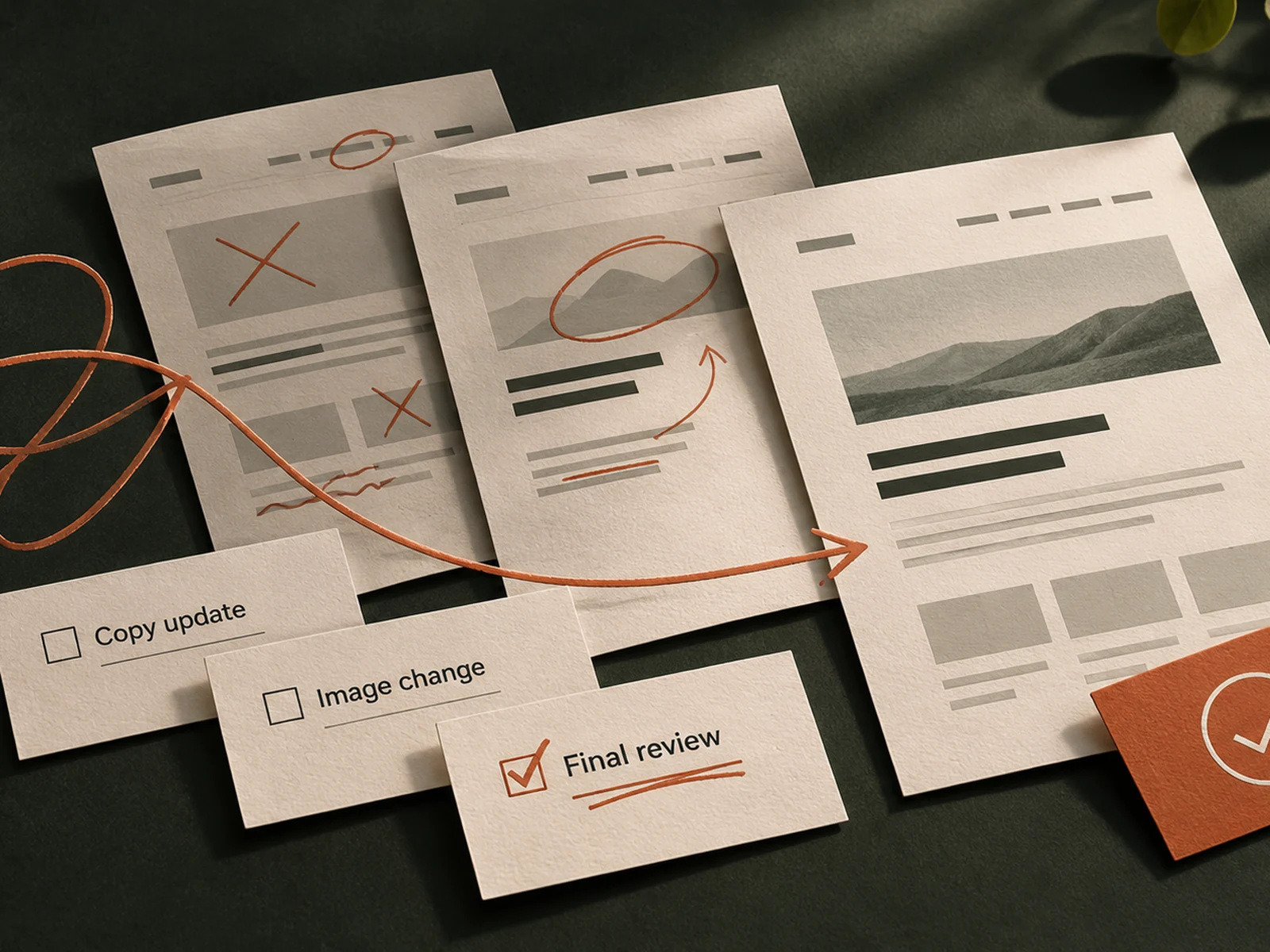
The first website preview arrives. Sales wants more detail, the managing director wants less, and someone has sent a screenshot with three unexplained circles. None of those contributions is unusual. The difficulty begins when they reach the designer as separate instructions.
A useful review turns different views into clear decisions. Agree what is being reviewed, collect comments in one place and distinguish a correction from a new requirement. That keeps the work moving without asking anyone to accept something that does not meet the brief.
Understand what an agreed revision includes
Before the first preview, check how reviews work in your proposal. How many rounds are included? Which stages do they cover? Does a round mean one consolidated list, followed by an updated preview? When is feedback due, and how are faults handled?
Clarify with an example. Changing a heading within an agreed service page may be a refinement. Adding a recruitment section with vacancies and applications is a different request. Correcting a telephone number entered incorrectly should be identified as a correction, with its treatment confirmed under the agreement.
The point is to understand the boundaries before using them. Our website agreement questions cover the commercial arrangements; the review itself needs a practical way of applying them.
Review the decision in front of you
A page-plan review asks whether the structure serves the business. A design review asks whether the visual direction and representative content work together. A working-site review checks real pages, navigation and enquiry handling across screen sizes.
Ask the designer to label what is ready, what is unfinished and what requires approval. It is difficult to judge a mobile menu from a desktop image, or approve factual copy that is still a placeholder. Review the appropriate evidence at each stage.
Keep earlier decisions visible. If your team approved one page covering commercial maintenance, splitting it into four sector pages later may be worthwhile, but it reopens the structure. Recognising that change makes the resulting conversation about time and price much easier.
Consolidate comments before sending them
Appoint one person to collect feedback and return the agreed list. Ask specialists to check the parts they understand: operations can verify coverage, sales can test the offer, and the project sponsor can settle competing priorities. Our responsibilities guide sets out those roles.
Give colleagues the same preview and an internal deadline ahead of the supplier’s deadline. Resolve contradictions before submission. If sales wants to publish guide prices and the director does not, the designer needs a business decision rather than two competing comments.
A shared document is enough. Give each item a number so it can be answered and checked without losing its history. Avoid maintaining several files whose names all end in “final”.
Describe the problem and the intended result
Useful feedback identifies the page, the element and why it matters. “Make this more prominent” leaves the designer guessing. “Buyers need to see that we cover occupied commercial buildings before they enquire” explains the task.
For an established building contractor, a clear comment might include:
- Location: services page, planned maintenance section.
- Issue: the wording suggests that domestic repairs are offered.
- Required outcome: explain that the service covers commercial premises.
- Approved wording: the replacement sentence, checked by operations.
- Priority: must be corrected before launch.
For a visual fault, add a screenshot and the device or browser used. Explain what you expected to happen. For a preference, say that it is a preference; the designer can then discuss its effect on readability or emphasis.
Separate launch essentials from additional work
Sort the list into factual corrections, agreed refinements and possible changes to scope. A missing approved accreditation differs from a request for an interactive project map. Both deserve a response, but they need different decisions.
Ask the designer to flag any item that affects cost or timing before proceeding. For an additional request, get a short description of the work, its price and its effect on the programme. Then approve it, defer it or leave it out. If a charge is unexpected, our guide to extra costs against a fixed website quote explains what to check.
Do not bury a new requirement inside twenty small edits. Equally, if an agreed requirement is missing, refer back to the brief and ask how it will be completed. A clear website scope gives both sides something concrete to check.
Close the review with a recorded decision
When the revised preview arrives, check the numbered items first. Record which are resolved, which need clarification and which have been deferred by agreement. New observations can still matter; label them clearly so nobody mistakes them for unfinished earlier work.
Keep the next review date in the project update. Our guide to predictable website project communication covers update schedules and follow-up arrangements between reviews.
Approve a named stage or version, with any remaining conditions written down. For a business website rebuild, this makes the final launch decision traceable. The aim is a website your team can confidently approve, with fewer evenings spent interpreting circles on screenshots.