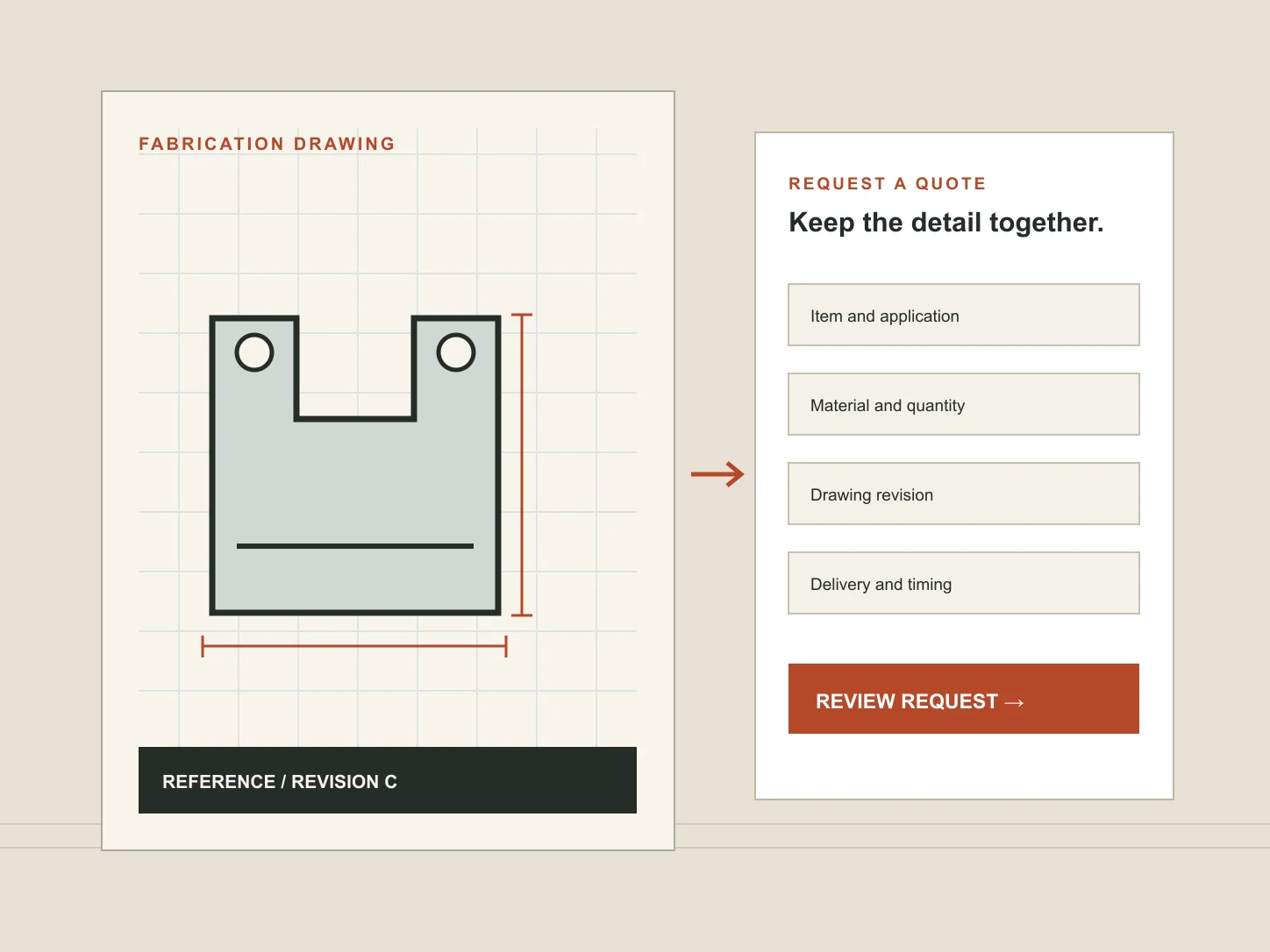
A fabrication business can receive a drawing, a brief and a deadline through the same blank “Contact us” box. The sales team then has to work out which revision is current, what is being priced and whether the request is ready for technical review. A useful request for quotation (RFQ) preserves the requirement without adding a long list of compulsory fields.
This guide deals with the quotation handover. Our steel fabrication website guide covers how to present capabilities and evidence before a buyer reaches that point. A general contractor may need the simpler route described in our construction enquiry form guide.
Separate an initial discussion from a drawing-ready RFQ
Not every visitor has a finished specification. One may be checking whether the workshop can undertake a type of work; another may have approved drawings and quantities for pricing. The first route needs a short description and a way to speak to the right person. The second can ask for the details the estimator needs to review. Do not make a buyer invent dimensions just to ask about feasibility.
Offer a small number of clearly named request types if they lead to different follow-up: “Discuss a fabrication requirement”, “Request a quotation from drawings” and, where the business actually offers it, “Ask about design support”. Describe what happens after submission. A form is an invitation to review, not an automatic acceptance of a drawing or a binding price.
Ask for the information that changes the estimate
The essential fields depend on the work the business accepts. Start with the customer's identity and contact details, a short account of the item or project, and the intended use of the request. Add production questions only where the receiving team can explain why they are needed.
On smaller screens, scroll across to read all columns.
| Prompt | Why it may help | How to phrase it |
|---|---|---|
| Item and application | Routes the request to the right discipline | What needs fabricating, and where will it be used? |
| Material or finish | Changes process and supply questions | Known specification, preferred option or “please advise” |
| Dimensions and quantity | Supports initial estimating | Units and approximate quantity, with uncertainty allowed |
| Drawing reference | Identifies the information being reviewed | Reference and revision, if drawings exist |
| Location and timing | Helps assess logistics and availability | Delivery area and required date or project stage |
This is not a universal fabrication specification. A workshop may also need installation, coating, inspection or transport details, but the first form should ask only what is useful at that stage. Mark a field optional when the buyer can reasonably be unsure. A required “budget” box often produces a guess rather than better information.
Handle drawings as controlled information
A drawing upload needs more thought than a paperclip icon. State which file types and size limits the business can actually receive and review. If PDF, DXF or DWG files are accepted, say so; do not list formats that the estimator cannot open. Let the visitor identify a drawing reference and revision. An old file named “final-final” is not a reliable version control system.
Make the upload optional where an early discussion can start without it. If commercially sensitive documents should be transferred through an agreed route after contact or a confidentiality discussion, explain that instead of inviting them into an ordinary web form. Decide who receives files, how they are stored, who may access them and when they are removed. Test file-size errors and failed transfers; a silent failure is especially costly when a buyer assumes the drawing arrived.
Drawings may contain names and contact details as well as commercial information. The ICO's data-minimisation guidance is a useful check on what personal information the form collects, while its security guidance explains the need for measures appropriate to the risk. Commercial confidentiality also needs its own agreed handling process.
Keep the revision visible throughout the handover
The person preparing a quote should be able to see the buyer's selected request type, item description, drawing reference, revision, quantity and delivery information together. If a revised drawing arrives later, the team needs a clear way to identify what changed. The website should not merge versions invisibly or imply that an estimator has approved a design merely because a file was accepted.
When quoting depends on clarification, send a question tied to the same reference. A short summary in the acknowledgement can let the customer spot an error: “We received your enquiry about bracket assemblies, drawing B-17 revision C, approximately 40 units.” The example is fictional. Avoid an automated promise of price or lead time that the business has not agreed.
A workable form from first question to receipt
A practical first screen can remain short. This example shows a sequence, not a prescribed set of mandatory fields:
- Choose the request: feasibility discussion or quotation from available information.
- Describe the work: item, application and any material, finish or process already known.
- Add estimating context: dimensions with units, quantity, location and timing where known.
- Attach or reference drawings: clearly state accepted formats, limits and whether an alternative transfer route is available.
- Provide contact details: a named contact, business and reply method.
- Review and send: show what will be submitted, then give a useful receipt and next step.
Labels should remain visible when a field is filled; placeholders alone are poor instructions. Required and optional information should be explicit, and an error should say how to correct it without wiping out the rest of the form. The W3C forms guidance provides accessible patterns for instructions and validation.
Test an awkward enquiry, not only the perfect one
Try the form on a phone with no final quantity, a drawing larger than the allowed limit and a delivery location still to be confirmed. Can the buyer continue honestly? Can they find the alternative route? Then have an estimator inspect the received message. Can they decide what to clarify first without re-entering everything?
The route to this form should also be visible from relevant capability and project pages. For construction-related fabrication, our construction homepage guide shows how to introduce the work and direct visitors to the right next step. If your current site loses the drawing reference between capability page and enquiry, our construction website service can help plan a clearer path.